Uzair Khan Service
Live TV, Movies & Series — on your Android phone, tablet and Android TV. One app, all your entertainment.
Download AppAndroid phones, tablets & Android TV
Live TV, Movies & Series — on your Android phone, tablet and Android TV. One app, all your entertainment.
Download AppAndroid phones, tablets & Android TV
Built for the big screen and the small screen — simple to use, fast to open, made for the whole family.
Hundreds of live channels — news, sports, entertainment and more, streaming in high quality.
A large movie library with posters, details and easy browsing. Pick a movie and press play.
TV series with seasons and episodes, ready to watch episode after episode.
Try everything free for 12 hours before you pay. No card needed — just tap Free Trial in the app.
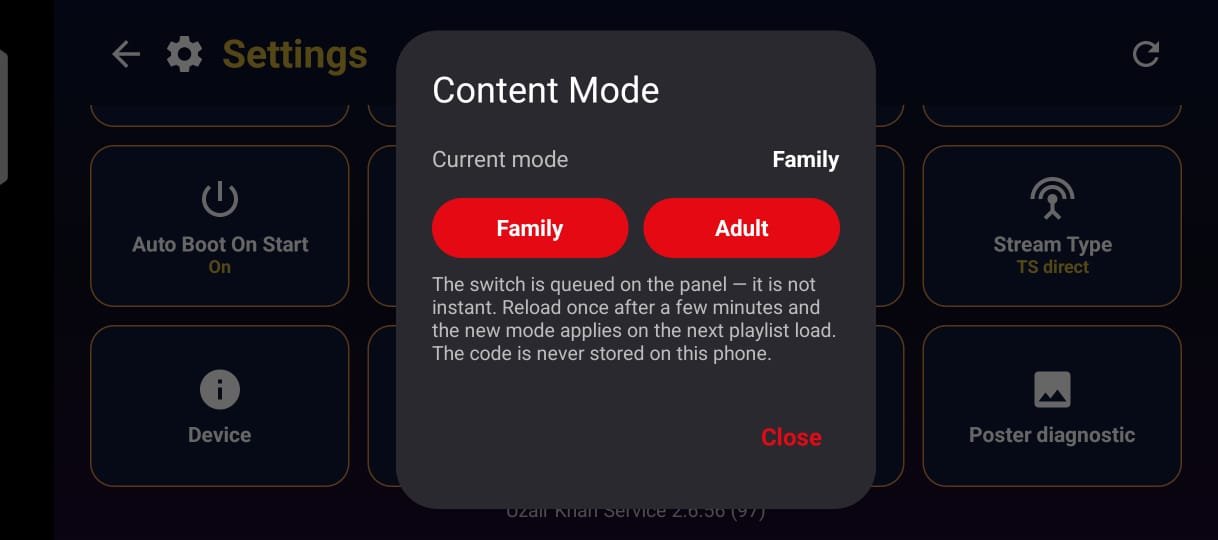
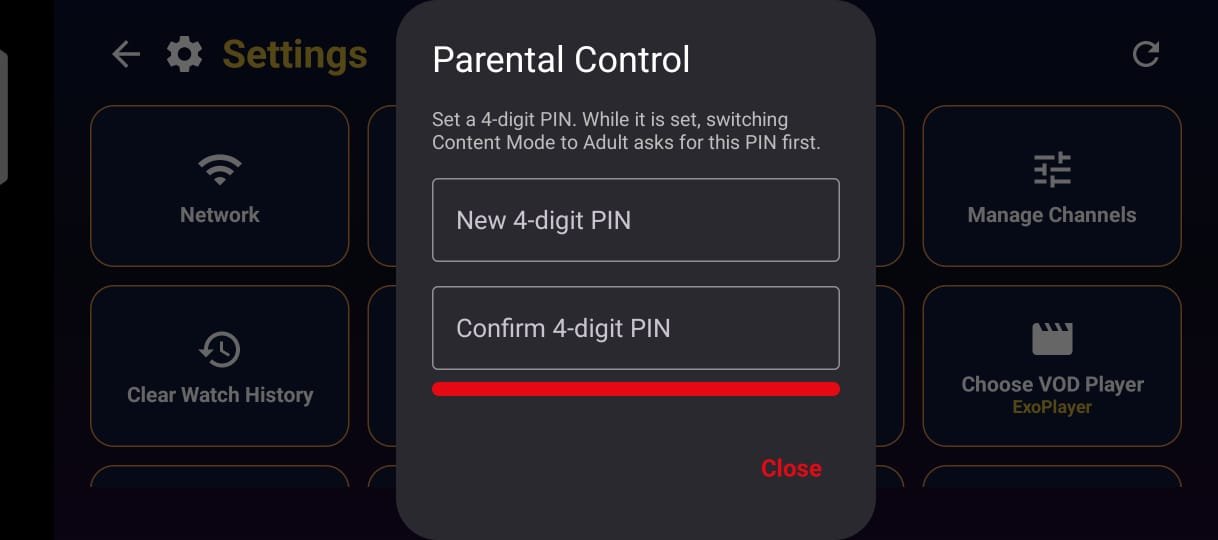
Family mode hides adult content. Switch to Adult mode only with your 4-digit PIN, set by you.
When a new version is ready, the app tells you on the home screen and updates from inside the app. No links, no searching.
Works on Android phones, tablets and Android TV. Same account, same channels, everywhere.
It takes about two minutes. No Play Store needed.
Tap the Download App button on this page. The file is called “Uzair Khan Stream.apk”.
When your phone asks, allow installing apps from this source (unknown sources). This is normal for apps downloaded outside the Play Store.
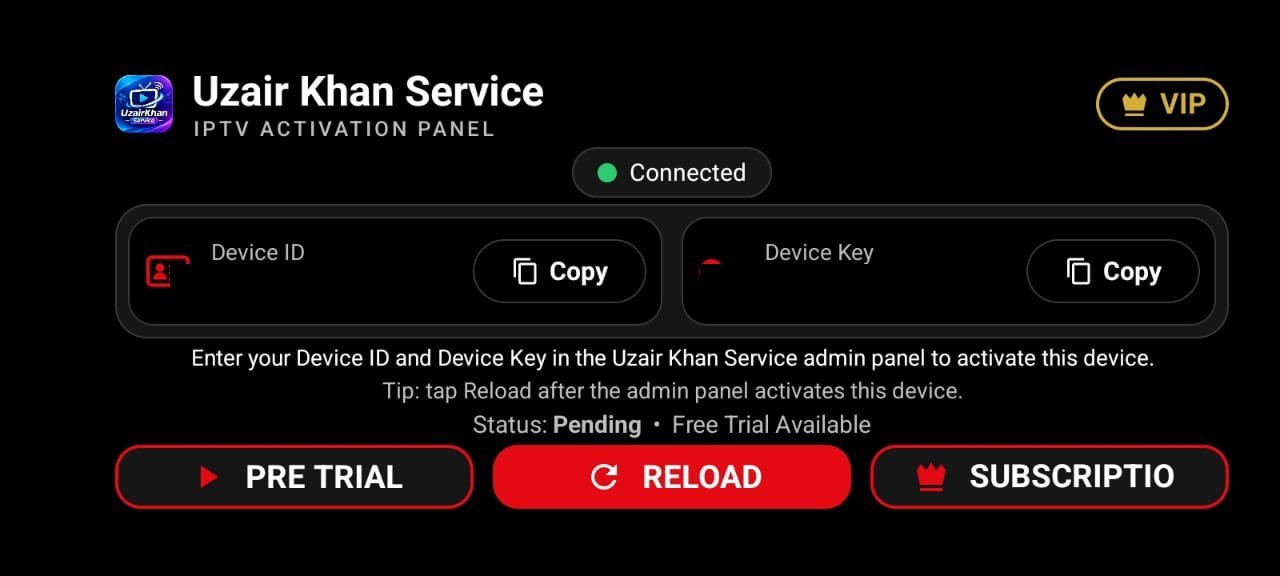
After installation, open Uzair Khan Service. You will see the activation screen.
Your activation screen shows a Device ID and a Device Key. Keep them safe — you need the Device Key to activate your free trial or subscription.
Three simple steps — activate, browse, enjoy.
Tap Free Trial for a free 12-hour trial, or Subscription after you have paid for a plan. Your Device Key is your identity — activation is linked to it.
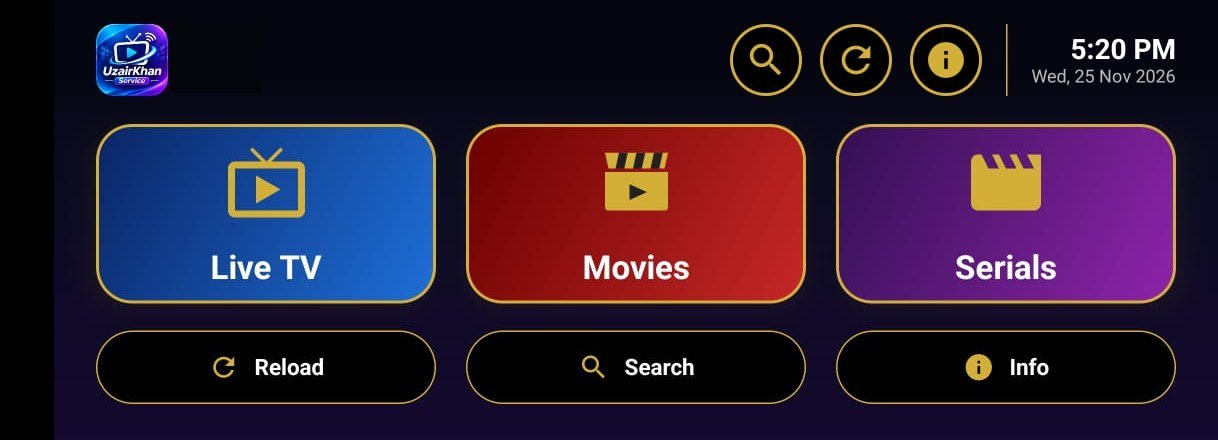
From the home screen, open Live TV for channels, Movies for films, or Serials for TV series. Use Search to find anything fast.
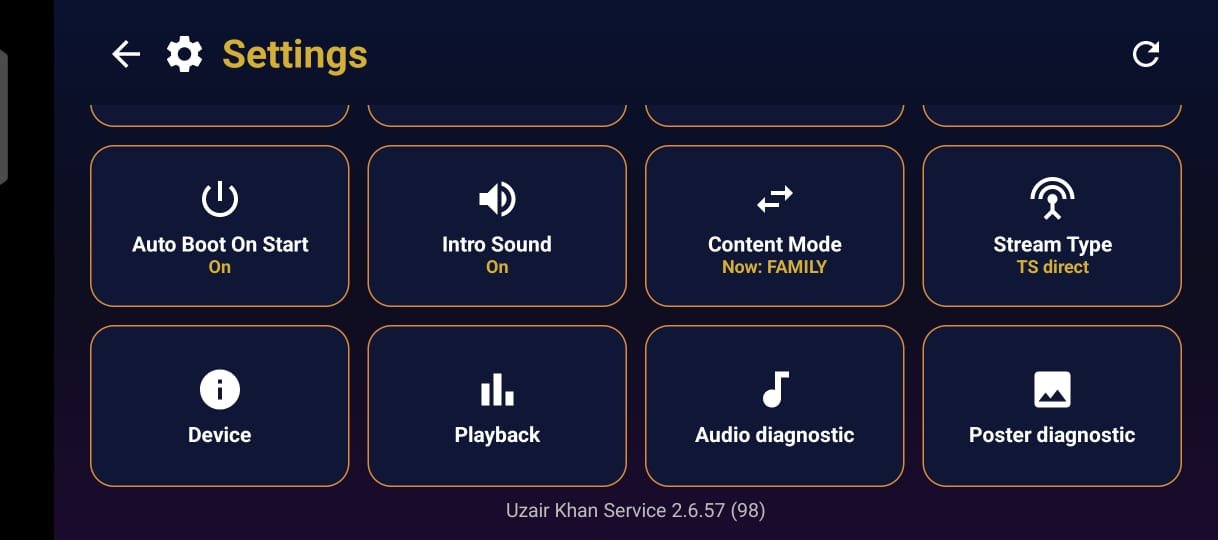
Open Settings, then Content Mode. Family mode shows family-safe content only. Switching to Adult asks for your 4-digit PIN first.
One price, everything included — Live TV, Movies and Series.
Payment is manual. Choose a plan, then contact us on WhatsApp with your Device Key. We confirm your payment and activate your device. There is no online payment inside the app.
A look inside the app — home, activation, settings and controls.
Android phones, Android tablets and Android TV. The app is made for Android only.
Install the app and tap Free Trial on the activation screen. You get full access for 12 hours. After the trial ends, choose a plan to continue.
Payment is manual. Choose a plan above, contact us on WhatsApp with your Device Key, pay as instructed, and we activate your device. Your activation screen shows your Device Key — tap Copy to share it.
Updates come inside the app. When a new version is ready, a popup appears on the home screen — tap Update Now, and the app downloads and installs the update itself. You never need a link.
No. Uzair Khan Service is Android only. It does not work on iPhone or iPad.
Questions about plans, activation or the app? Message us on WhatsApp with your Device Key and we will help you.
Chat on WhatsApp